Surgical guide design
Send a scan and a CBCT. Get a surgical guide design back to approve.
Upload an intraoral scan and a CBCT, choose the guide and pay. The design comes back on your case. Approve it or send it back with a note, then download the approved design as an STL file.
Every paid case has a deadline, shown on the case. The clock starts once your files pass our checks and payment is confirmed. If the design is not back by then, a refund is raised automatically.
How it works
How a case moves
- 01You
Upload
Your intraoral scan as an STL file and your CBCT as DICOM: a .dcm file or a .zip of the slices. Files are checked as they arrive.
- 02You
Choose and pay
Pick the jaw, the guide type and the number of implants. The quote shows the price before you pay.
- 03Us
We design
Our design team and partner designers prepare the guide design. It is reviewed before it is released to your case.
- 04You
Approve or send back
The design comes back on your case. Approve it, or send it back with a note on what to change.
- 05You
Download
Download the approved design as an STL file for your own printer or lab.
What you receive
What comes back to you
A surgical guide design
Returned on your case for your approval.
A message thread
Every case has its own thread with our team.
Changes on request
Send the design back with a note. The revised design comes back to the same case.
An STL file
Once you approve, the design is yours to download as an STL file.
Deadline and refunds
The deadline and the refund rule
- 01The clock starts when your scan and CBCT have passed our checks and payment is confirmed.
- 02The deadline is shown on your case while the clock runs.
- 03If the design is not back by the deadline, a refund is raised automatically. You do not need to ask for it.
- 04Your case is still designed after a refund.
Who designs
Who prepares your design
Designs are prepared by our design team and partner designers and reviewed before release.
You approve every design before you can download it.
Cases
Cases coming soon
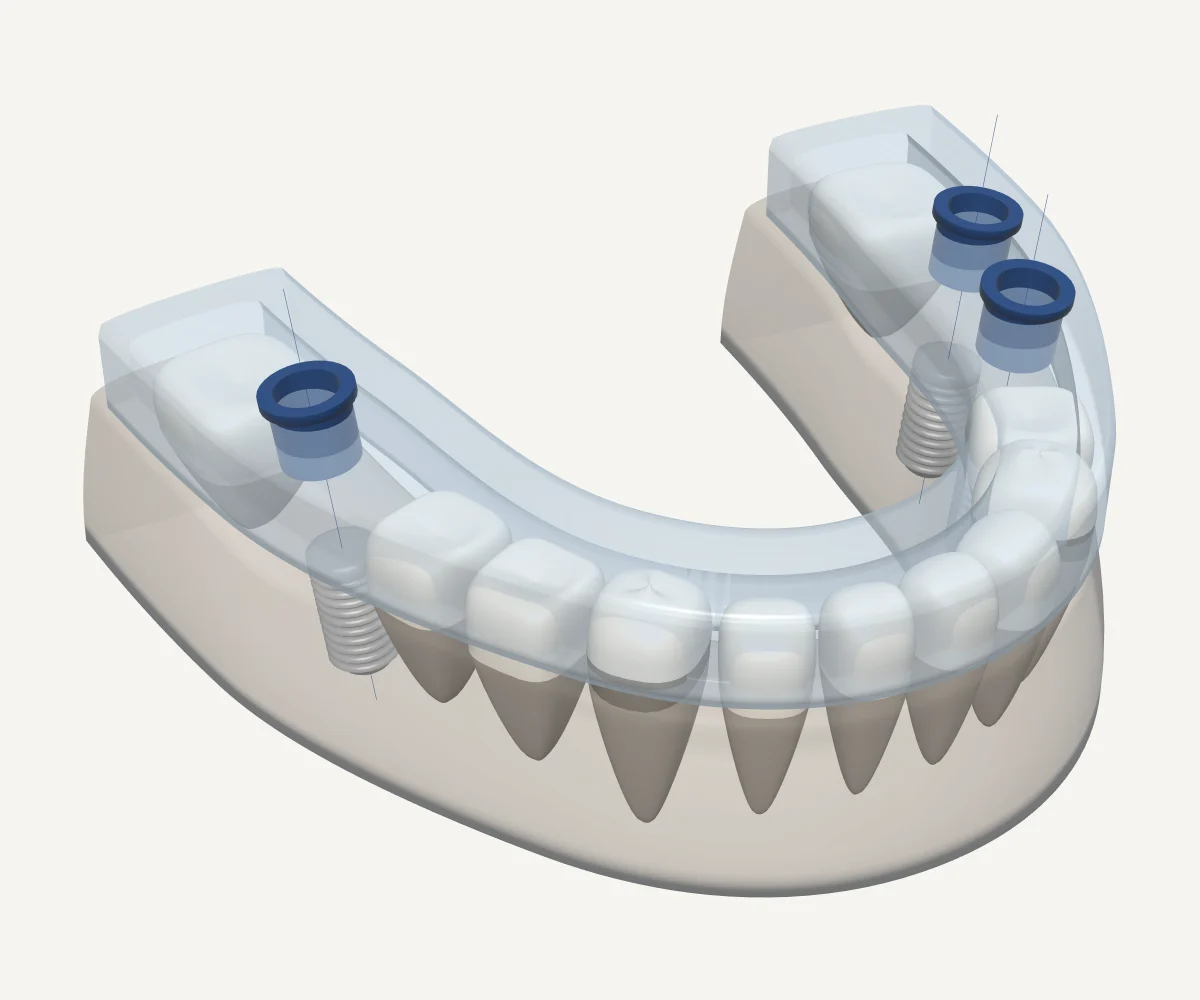
We will show real cases here once clinicians have agreed to share them. The image at the top of this page is a synthetic example, not a patient case.
Pricing
What a case costs
Your quote shows the price before you pay.
See pricingQuestions
File requirements and common questions
Which files do I need?
An intraoral scan as an STL file, up to 500 MB, and a CBCT as DICOM: a .dcm file or a .zip of the slices, up to 2 GB.
What if a file fails the checks?
Swap it for a new file on the upload step. You cannot continue until both files pass, and the clock does not start before then.
When does the clock start, and what if you are late?
The clock starts once your files pass our checks and payment is confirmed. If the design is not back by the deadline shown on your case, a refund is raised automatically and your case is still designed.
Can I ask for changes?
Yes. Send the design back with a note on what to change. The revised design comes back to the same case.
What do I download?
The approved guide design, as an STL file.
Do I need to install anything?
No. You upload, approve and download in your web browser.
For labs
Print in your own lab
Approved designs download as STL files, so your lab can print them. If you send cases in volume, tell us what you need.
For labsContact
Questions before your first case?
Email us at ahmed@instant.guide
Once you have an account, every case has a message thread with our team.
Send your next case.
Create an account, upload a scan and a CBCT, and approve the design on your case.